
How Many Breaks Do You Get During the SAT?
Given the shorter duration of the digital SAT, most students receive one 10-minute break between the Reading and Writing section and the Math section. This break is strategically placed to help you recharge at the midpoint of the exam.
How to use your SAT break effectively:
- Hydrate with water
- Eat a light, energy-boosting snack
- Stretch to release physical tension
- Take deep breaths to reset mentally
- Avoid checking your phone or discussing test questions
Maintaining optimal glucose levels and staying hydrated during the break can significantly enhance your focus and performance for the math section.
What Are SAT Special Accommodations and Who Qualifies?
Students with specific needs, such as documented disabilities, medical conditions, or other special circumstances, may qualify for additional accommodations during the SAT. These accommodations could include:
- Extended time (typically 50% or 100% additional time)
- More frequent breaks
- Extra time for each section
- Alternative test formats
- Use of assistive technology
If you believe you may qualify, you can learn more and submit a request through the College Board’s accommodation request page. It’s important to apply for accommodations well in advance of your test date, as the approval process can take several weeks.
How Do I Find a SAT Test Center Near Me?
Locating a convenient SAT test center is an important part of your preparation. You can find an official SAT test center near you by visiting the College Board’s official website and using their test center search tool.
International students can also access SAT test centers in many countries, though registration processes and fees may differ from those for domestic test-takers.
Important tips for finding your test center:
- Test centers can fill up quickly during peak testing months (March, May, October, December)
- Register early to secure a spot at your preferred location
- Consider multiple test center options in case your first choice is full
- Check for any specific guidelines or requirements for your chosen test center
- Plan your route and travel time in advance to avoid test day stress
What Should I Expect on SAT Test Day?
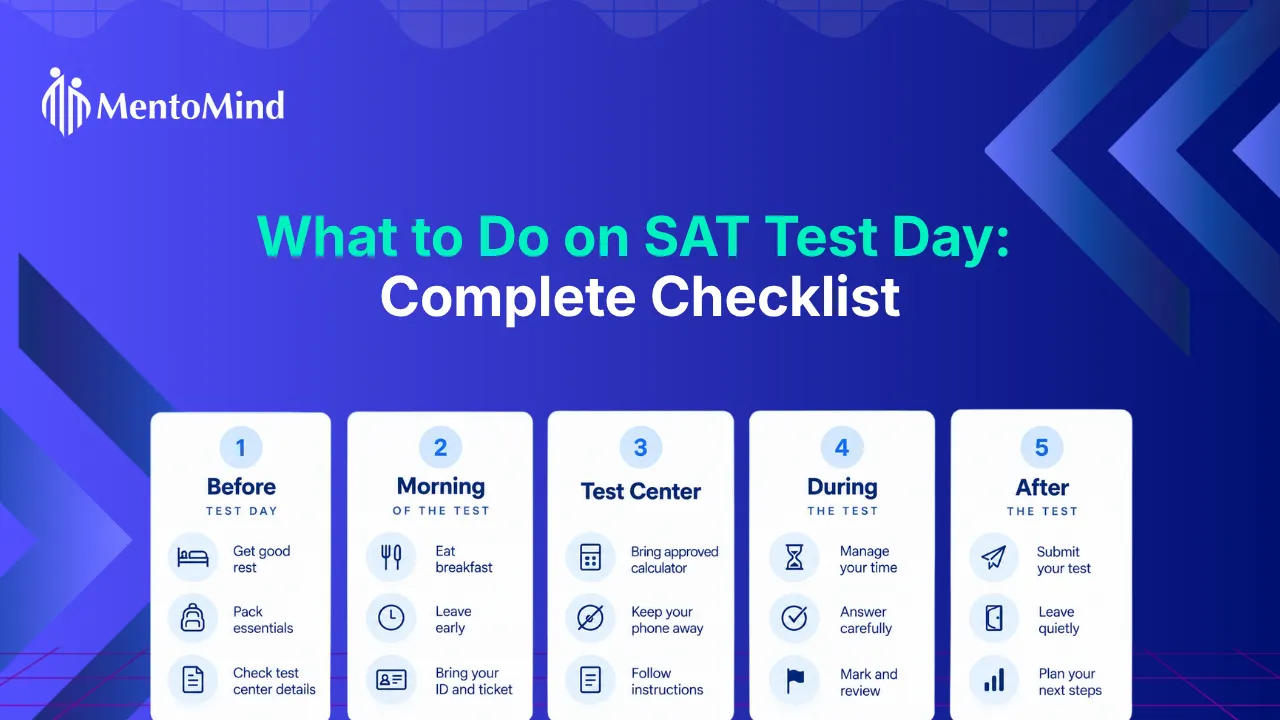
On test day, be prepared for the following timeline:
- 7:45 AM: Doors open at the test center
- 8:00 AM: Testing room entry closes (late arrivals are not admitted)
- 8:15-8:20 AM: Test begins after check-in and instructions
- 10:45-11:00 AM: Test ends (timing may vary with accommodations)
At check-in, you must present your admission ticket and a valid photo ID to verify your registration. Make sure you have the Bluebook application installed on your approved testing devices before test day. Only approved testing devices are allowed; if you are using a school managed Chromebook, it must be set up in advance according to College Board guidelines.
The test will begin after check-ins and instructions, with the proctor guiding you through each section. Arriving early ensures you have time to settle in, use the restroom, and mentally prepare. Understanding this timeline can help you manage your time and energy effectively, ensuring you complete all sections within the allotted time.
Math Section Overview
The math section of the SAT challenges students with a variety of topics, including:
- Algebra
- Advanced math concepts
- Problem solving
- Data analysis
- Geometry
- Trigonometry
Test takers will encounter both multiple choice questions and student produced responses, which require entering answers without provided choices. All math questions allow the use of a calculator, and the digital SAT platform includes a built-in Desmos-powered graphing calculator for convenience.
To excel in the math section, students should focus on:
- Mastering key concepts
- Practicing advanced math problems
- Honing problem solving and data analysis skills
Accuracy and efficient use of time are crucial, as the section is designed to test both your mathematical knowledge and your ability to apply it under timed conditions.
Reading and Writing Strategies
Success in the reading and writing section of the SAT depends on a combination of strong comprehension skills and effective time management. Students should practice with timed tests to get comfortable answering questions quickly and accurately.
Key strategies include:
- Identifying the main idea and supporting details in short passages
- Improving vocabulary and grammar
- Becoming familiar with the different question types found in the writing section
- Learning how to interpret data from tables and graphs, which often appear in this section
By developing these skills and understanding the structure of the writing portion, students can approach each question with confidence and maximize their section scores.
Creating a Study Plan
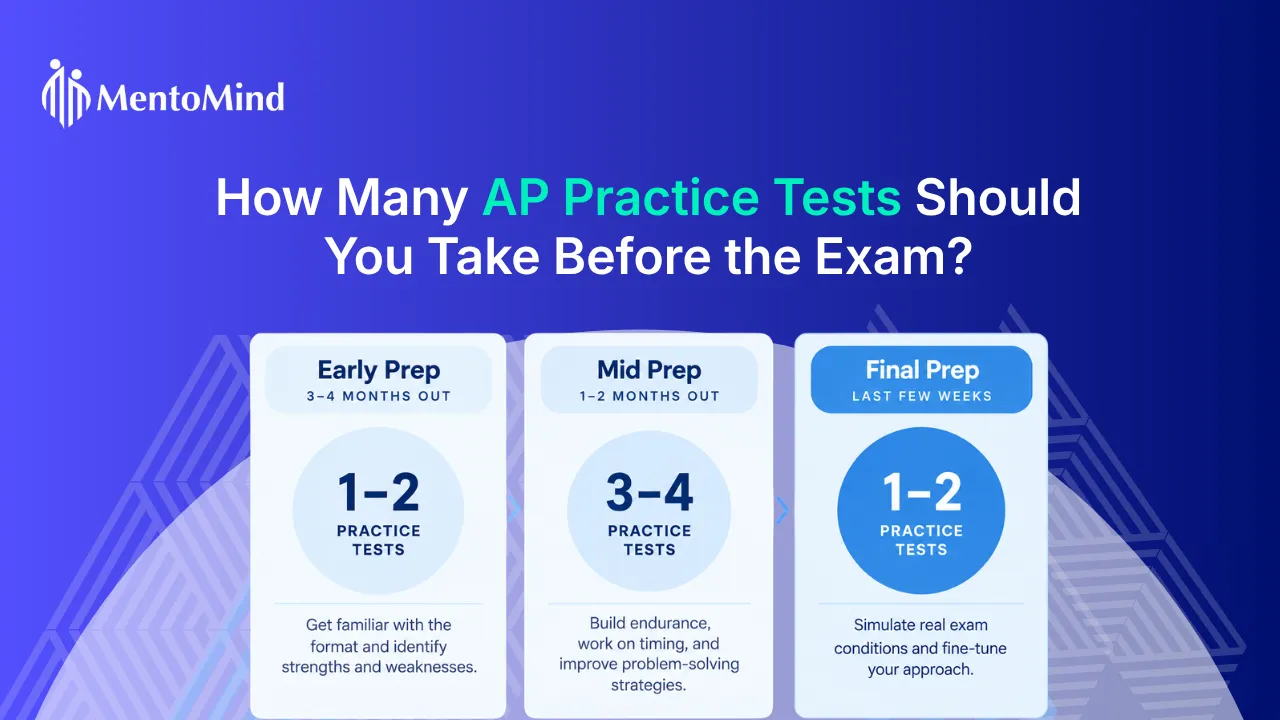
A well-structured study plan is key to succeeding on the SAT, starting with practice tests to identify your strengths and areas for improvement, setting realistic score goals, and creating a consistent study schedule that allows time for regular review and practice.
A structured SAT study plan guide can help you organize your preparation, stay on track, and make the most of your study time, while the College Board website offers free resources such as full-length practice tests and personalized feedback to help you prepare effectively.
Supplement your preparation with:
- Online study guides
- Tutoring
- Mobile apps
These tools reinforce key concepts and keep you engaged.
By staying focused, using timed practice tests to simulate real test conditions, and consistently reviewing your progress, you’ll build the skills and confidence needed to achieve your target score and stand out in the college admissions process.
What Are the Best Time Management Strategies for the SAT?
1. Practice Under Realistic Test Conditions
Get used to the pressure of the SAT by practicing under real test conditions. Use MentoMind’s full-length digital SAT practice tests to simulate the exact timing and format of the exam. The more you practice this way, the better you’ll get at managing your time and staying calm on test day.
2. Track Your Pace with Mini-Goals
As you work through each section, set small goals to help you stay on track. For example, if you have 27 questions to answer in 32 minutes, aim to complete 4-5 questions every 5 minutes. The SAT has a countdown timer on the screen. Check it periodically to make sure you’re on pace, but don’t let it stress you out. If it’s distracting, feel free to hide it, just remember to peek at it now and then to keep yourself on schedule.
3. Tackle Easy Questions First
Begin with the questions you find easier to secure those points quickly. If you come across a tough question, don’t waste too much time on it. Make your best guess, mark it to review later, and move on. This strategy helps you keep your momentum going and ensures you have time to revisit any challenging questions at the end.
4. Compare Your Performance to Other Test-Takers
After practicing, use MentoMind’s comparative time analysis graph to see how your time on each question compares to other students. If you notice you’re spending a lot more time on certain questions, that’s a sign you might need to adjust your strategy or spend more time practicing those types of questions.

5. Maximize Your 10-Minute Break
You’ll get one 10-minute break during the test, so make the most of it. Grab a light snack, drink some water, and take a few deep breaths to clear your mind. This break is your chance to reset and get ready for the rest of the test with renewed focus.
6. Prioritize Accuracy Over Speed
You’re scored on correct answers, not how many questions you attempt. Fewer questions answered correctly will always score higher than more questions answered incorrectly. Focus on quality over quantity.
7. Practice “Running Out of Time” Scenarios
Simulate “running out of time” situations during practice. For example, complete fewer questions under slightly less time to develop strategic guessing skills and learn how to make educated guesses when time is tight.
8. Skip and Return Strategy
Don’t get bogged down by difficult questions initially. Mark them for review and come back later with a fresh perspective. Often, questions that seemed impossible at first become clearer after you’ve warmed up your brain with easier questions.
Key Takeaways: Mastering SAT Timing
- The digital SAT lasts 2 hours and 14 minutes with a 10-minute break between the Reading and Writing and Math sections.
- The test has two main parts: Reading and Writing (54 questions in 64 minutes) and Math (44 questions in 70 minutes).
- Most questions are multiple choice with four answer choices; always answer, as there’s no penalty for guessing.
- The Reading section focuses on evidence-based reading skills, while the Math section covers various topics including algebra and data analysis.
- The optional essay section has been discontinued.
- Know your test date, test center location, and arrive by 7:45 AM (doors close at 8:00 AM).
- SAT results are usually available online a few weeks after the test.
- Practice with timed tests to improve your pacing and time management skills.