What is the Digital SAT?
Introduced in 2024 by the College Board, the Digital SAT replaced the paper-based exam with a shorter and adaptive format. Your performance in the first module of each section determines the difficulty of the second module, which affects your overall scoring potential.
What are the Key Changes in the Digital SAT (DSAT)
- Shorter Test Duration – The DSAT now lasts 2 hours and 14 minutes, compared to the previous three-hour paper-based exam. This shorter format makes the test less exhausting and easier to manage. The exam is administered through the Bluebook testing app.
- Adaptive Testing – The Digital SAT uses multistage adaptive testing, meaning the difficulty of questions adjusts based on a student’s performance. Each section, including Reading & Writing and Math, is divided into two modules. All students begin with a moderate first module, and their performance determines whether the second module is easier or more challenging.
- Fully Digital Format – The DSAT is taken on an approved laptop or tablet using a dedicated testing app, eliminating the need for paper booklets and answer sheets.
- Simplified Questions – Many questions have been redesigned to better assess core skills without unnecessary complexity, making the exam more focused and straightforward.
- Built-in Calculator for Math – A Desmos graphing calculator is available throughout the entire Math section, allowing students to concentrate on problem-solving rather than calculator restrictions.
- Faster Score Reports – Scores are typically released within two weeks. Check the SAT score release dates to plan your college applications more efficiently.
- Devices Allowed – Students may use their own Windows or Mac laptops, iPads, or school-managed Chromebooks. For those without a device, the College Board can provide one upon request.
- No “No-Calculator” Section – Unlike the old SAT, the DSAT allows calculator use on all Math questions.
- Enhanced Test-Taking Tools – The digital format includes helpful features such as a built-in timer, annotation tools, a mark-for-review option, and adjustable screen dividers between passages and questions.
What is the Structure of the Digital SAT
The digital SAT consists of two main sections:
1. Reading & Writing
This section includes shorter passages with only one question per passage, making it more efficient than the traditional SAT format. The passages will include a variety of topics, including literature, science, history, and social studies. Students who struggle with SAT inference questions will find this format particularly important to practice.
Each module has 27 questions, out of which 25 are scored (operational) and 2 are unscored (pretest questions).
- Domains Covered: Vocabulary, Purpose, Dual Texts, Retrieval, Main Idea, Claims, and Conclusions for Reading; Vocabulary, Transitions, and Rhetorical Synthesis for Writing.
- Question Categories:
- Craft and Structure: ~28%
- Information and Ideas: ~26%
- Standard English Conventions: ~26%
- Expression of Ideas: ~20%
2. Math
Covers algebra, problem-solving, data analysis, geometry, and trigonometry, with the Desmos graphing calculator available throughout. The focus remains on real-world applications and logical reasoning. Students aiming to score 750+ on SAT Math should pay close attention to the Algebra and Advanced Math domains, which together make up 70% of the section.
Each math module contains 22 questions, 20 scored and 2 unscored
- Approximately 75% are multiple choice and 25% are Student-Produced Responses (entered via on-screen box, with support for decimals and fractions).
- Domain Distribution:
- Algebra: ~35%
- Advanced Math: ~35%
- Problem-Solving and Data Analysis: ~15%
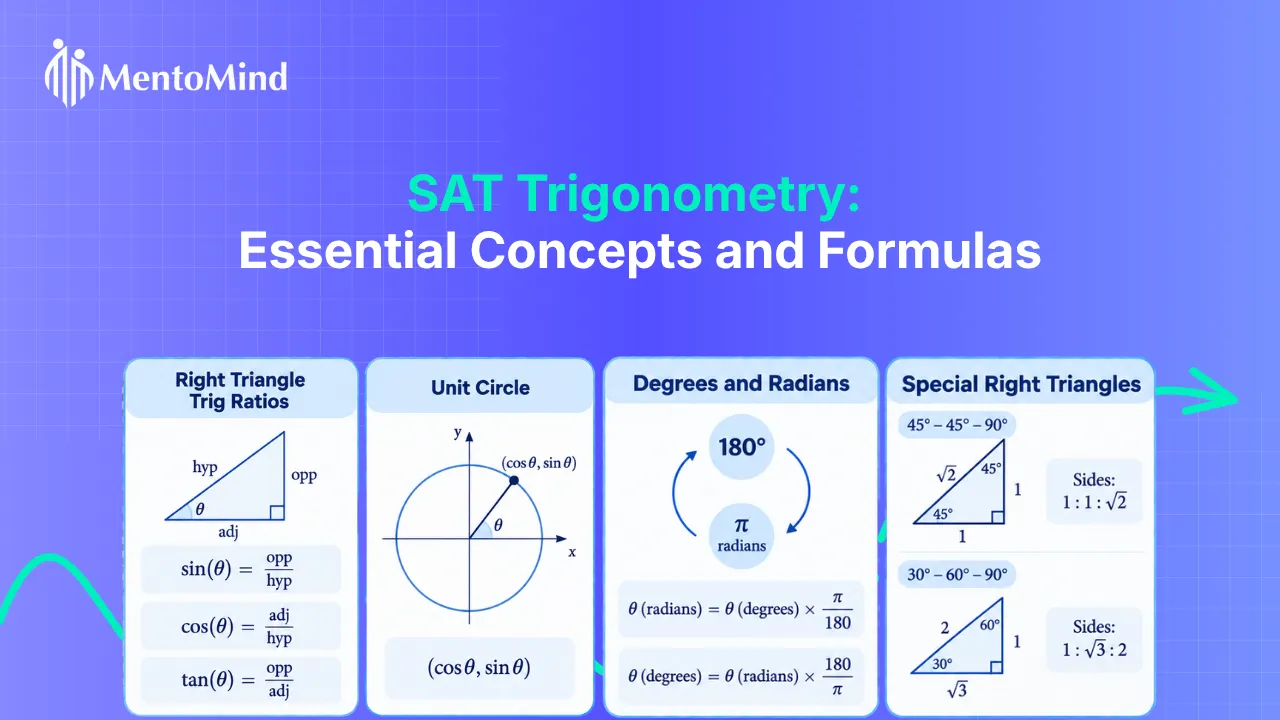
- Geometry and Trigonometry: ~15%
Adaptive Testing: How It Works
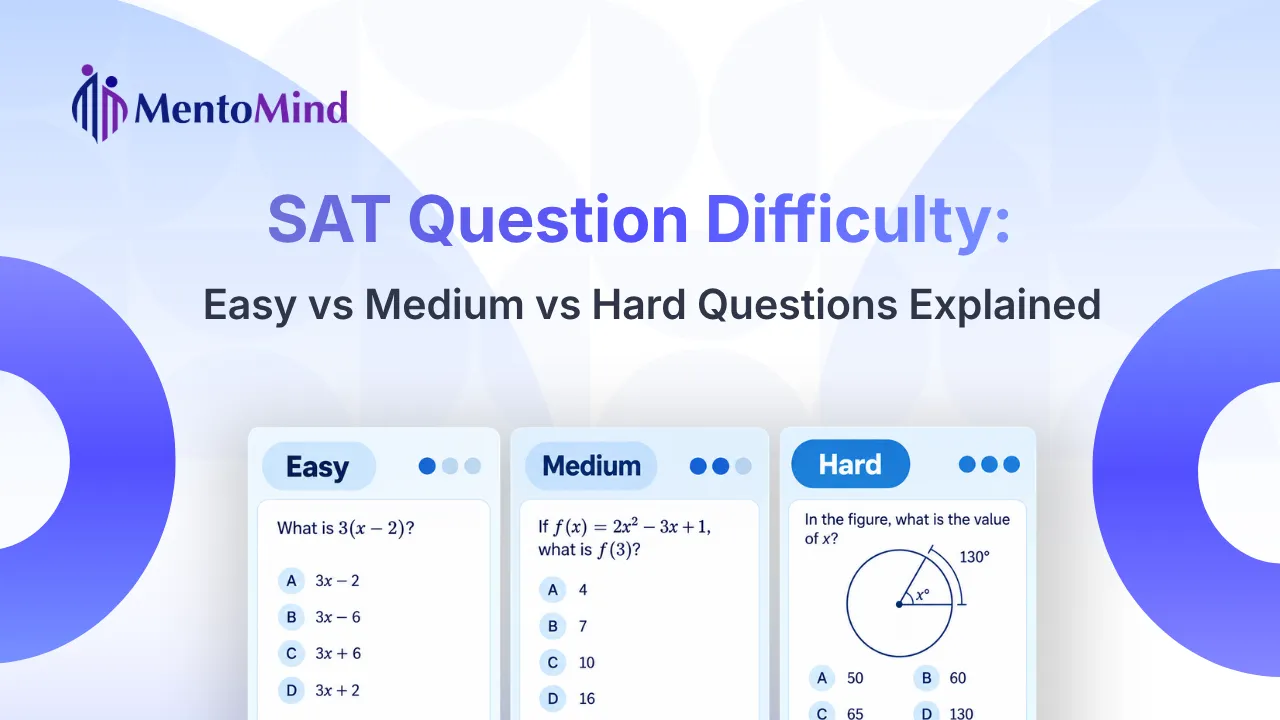
- Every student starts with a first module of similar difficulty, containing a mix of easy, medium, and hard questions
- Your performance in the first module determines which version of the second module you receive
- A strong performance leads to a more difficult second module
- A weaker performance leads to an easier second module
- A more difficult second module gives access to higher score ranges
- An easier second module generally corresponds to a lower score range
Superscoring on the DSAT
The Digital SAT supports superscoring, meaning colleges consider the highest section scores across multiple test attempts. If a student takes the SAT more than once, their best Reading & Writing and Math scores are combined to create the highest possible total score. Since many colleges accept superscores, retaking the SAT can be beneficial for improving overall results. Students should check individual college policies to confirm their superscoring approach before registering for a retake.
What is the Break Time on the Digital SAT
The Digital SAT includes one 10-minute break between the Reading & Writing section and the Math section. Since the test is shorter (about 2 hours and 14 minutes) than the traditional SAT, there are no additional breaks.
During this time, students can stretch, use the restroom, eat a snack, or refresh before continuing. It is important to return promptly, as the test resumes automatically once the break period ends.
Accommodations on the Digital SAT
The Digital SAT offers accommodations like extended time, extra breaks, text-to-speech, screen magnification, and braille-compatible technology to support students with disabilities. Test-takers can also adjust font sizes and background colors for better readability.
All accommodations must be approved in advance through the College Board’s SSD, ensuring a fair and accessible testing experience.
How to Prepare for the Digital SAT
- Practice with Digital Tools – Since the test is fully digital, practicing with online practice tests will help you get comfortable with the format. Familiarize yourself with the navigation tools and built-in calculator to avoid surprises on test day.
- Understand Adaptive Testing – Because the Digital SAT adapts to your performance, starting strong can lead to more manageable questions in later modules. Take full-length practice tests to understand how the adaptive system works.
- Use the Built-in Calculator – Make sure you are comfortable with the Desmos graphing calculator before test day. Practice using it across different problem types, including algebra, geometry, and data analysis, to save time during the exam.
- Read Shorter Passages Quickly – Since reading passages are now shorter, practicing quick comprehension will be beneficial. Focus on identifying key points and main ideas efficiently.
- Manage Your Time – Although the test is shorter, good time management is key to completing all questions efficiently. Take timed practice tests to improve your pacing.
- Stay Calm and Focused – While the DSAT is different from the traditional SAT, it is important to stay calm and adaptable. Ensure you get enough rest before test day and approach each section with confidence.
- Practice Environment Matters – Use the College Board’s Bluebook App to simulate the exact test interface, including tools like mark-for-review, annotation, and answer navigation.
Final Thoughts
The transition to the digital SAT brings many benefits, including a shorter test, a built-in calculator, and faster score reports. Understanding the new format and preparing with the right resources will help you perform your best. If you are just getting started, building a solid SAT study plan is a great first step toward staying on track.
Colleges and universities are continuing to adapt to the DSAT format, so it’s important to stay updated on their admission requirements.
Frequently Asked Questions
The Digital SAT is shorter, lasting 2 hours and 14 minutes compared to the previous three-hour paper-based exam. It is taken on a laptop or tablet through the Bluebook app and uses adaptive testing, meaning the difficulty of questions adjusts based on your performance. The digital version also allows calculator use throughout the entire Math section and delivers scores faster, typically within two weeks.
Not necessarily. While the adaptive format means stronger performers may face more challenging questions in the second module, the overall experience is designed to be more focused and manageable. The shorter format, built-in calculator, and simplified question styles make it a more streamlined test for most students.
Students can use their own Windows or Mac laptops, iPads, or school-managed Chromebooks. If you do not own a compatible device, the College Board can provide one upon request. The exam is administered through the College Board’s Bluebook app, which must be installed before test day.
Yes. Many students retake the SAT to improve their scores, and the Digital SAT supports superscoring, meaning colleges will consider your highest section scores across multiple attempts. Since your best Reading & Writing and Math scores are combined, retaking the test can be a smart strategy if you believe you can improve in either section.
The score you need depends on the colleges you are applying to. Competitive universities typically look for scores in the 1400 to 1600 range, while many schools accept scores between 1100 and 1300. It is best to research the average SAT scores of admitted students at your target colleges to set a realistic and informed goal.
Ready to Start Your Digital SAT Preparation?
MentoMind‘s SAT course includes 3,500 plus questions across Reading and Writing and Math, 11 full-length adaptive tests, and a built-in Desmos calculator throughout, just like the real exam.