
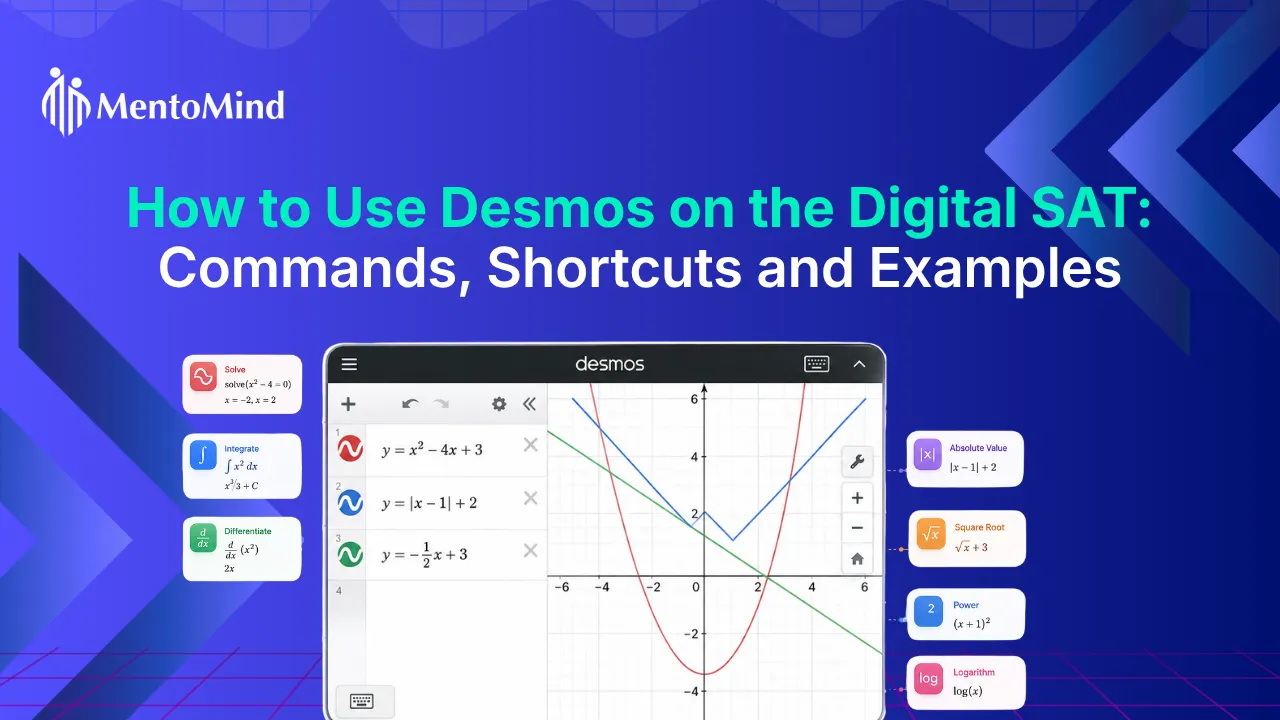
If you’re taking the Digital SAT, the built-in Desmos graphing calculator can help you solve certain Math questions more efficiently. While it won’t replace mathematical reasoning, it can help you graph equations, find intersections, evaluate functions, and check your answers on supported question types.
This guide explains how to use Desmos on Digital SAT, the most useful commands and shortcuts, and practical examples to help you solve SAT Math problems with greater speed and accuracy.
What Is Desmos on the Digital SAT?
Desmos is the built-in graphing calculator available during the Digital SAT Math section in the Bluebook app. It lets you graph equations, evaluate expressions, create tables, and find points such as intercepts and intersections.
You can use the Digital SAT Desmos calculator to solve or verify answers for questions involving functions, systems of equations, quadratic equations, and data analysis. It is available throughout the entire Math section, so there is no need to bring a separate graphing calculator to access these features.
Using Desmos effectively means knowing which questions benefit from graphing and which are faster to solve by hand.
Why Should Students Learn How to Use Desmos for SAT Math?
Learning how to use Desmos on Digital SAT can save time on questions that involve graphs, functions, and equations. Instead of relying only on algebra, you can use the Digital SAT Desmos calculator to visualize problems, verify solutions, and choose the fastest solving method.
Here’s why many students include Desmos for SAT Math in their preparation:
- Reduce lengthy calculations: Some problems can be solved by graphing equations instead of working through multiple algebraic steps.
- Verify your answers: After solving a problem manually, graph the equation or evaluate the expression to confirm your result before selecting an answer.
- Spot mathematical relationships faster: Graphs make it easier to identify intercepts, intersections, and function behavior that may be difficult to recognize from equations alone.
- Manage your time more effectively: Using the Desmos SAT calculator on the right questions lets you spend less time on calculations and more time on problems that require reasoning.
Learning when to use Desmos is just as important as learning how to use it. For many SAT Math questions, a quick algebraic solution is still the faster option.
Also Read: Desmos Tips For SAT (Part 1): Solve Single-Variable Equations
What Desmos Features Should You Know for the Digital SAT?
You don’t need to learn every Desmos feature for the Digital SAT. A few graphing and calculation tools can help you solve many SAT Math questions faster and verify your answers. Below are the Desmos features you’ll use most often during the Digital SAT Math section.
How do you graph equations in Desmos?
Graphing equations is one of the most useful ways to use Desmos for SAT Math. Instead of sketching a graph by hand, you can plot an equation and analyze it instantly. For example, entering y = 2x + 3 displays the graph of the line. You can use it to identify the y-intercept, compare multiple functions, or check whether your solution matches the graph.
This feature is especially useful for questions involving SAT linear systems, functions, and graph interpretation.
Think10X.ai provides step-by-step video explanations for SAT Math questions, so you can go beyond the final answer. See how each problem is solved, understand when to use Desmos or solve a question manually, and apply the same approach to similar questions on the Digital SAT.
How do you find intersections in Desmos?
Desmos can find the point where two graphs intersect, making it a fast way to solve many systems of equations.
For example, a graph:
- y = x + 2
- y = 3x – 4
The point where the two graphs intersect is the solution to the system. This approach can save time compared with solving both equations algebraically, especially when the question asks for the point where two graphs meet.
How do you find the roots and vertex of a quadratic?
Desmos makes it easy to analyze quadratic functions by displaying their graph. For example, a graph:
y = x² – 5x + 6
The points where the line graph crosses the x-axis are the roots (or x-intercepts) of the equation. You can also select the turning point of the graph to find the vertex, which is useful for questions involving maximum or minimum values. This feature is useful for quadratic equations, parabolas, and function analysis.
How do you use tables in Desmos?
The table feature helps you evaluate functions without performing repeated calculations. Suppose a question asks for the value of a function when x = 4. Instead of substituting the value manually each time, you can enter the function into Desmos and use a table to generate the corresponding output. Tables are especially useful for function questions, sequences, and identifying numerical patterns.
How do you evaluate expressions in Desmos?
Desmos can evaluate numerical expressions directly, making it useful for checking calculations during the exam. For example, entering:
(2500)(1.05)^3
returns the calculated value immediately. You can use this feature to verify arithmetic, evaluate exponents, and check multi-step calculations before selecting an answer.
How do you adjust the graph window?
Sometimes the graph you need is outside the default viewing area. Adjusting the graph window helps you locate points that are not immediately visible. For example, if you cannot see an intersection point or the vertex of a parabola, zooming in or out can reveal the part of the graph needed to answer the question. Before assuming a graph has no solution, make sure the relevant part of the graph is visible.
When should you avoid using Desmos?
The Digital SAT Desmos calculator is a powerful tool, but it is not the fastest option for every question. Simple arithmetic, basic algebra, and straightforward calculations are often quicker to solve by hand. Use Desmos when it helps you visualize a graph, verify a solution, or reduce lengthy calculations, but not as a replacement for mathematical reasoning.
Also Read: Desmos Tips For SAT (Part 2): Equations With … – MentoMind
What Are the Best Desmos SAT Tricks and Shortcuts?
The best Desmos SAT tricks are not hidden calculator features. They are strategies that help you reduce unnecessary calculations, interpret graphs faster, and solve specific SAT Math questions more efficiently.
Replace long algebra with graphs
Not every equation needs to be solved by hand. If simplifying an equation takes several steps, graph each side separately instead. For example, instead of rearranging 2x + 3 = x², graph y = 2x + 3 and y = x². The intersection points represent the values of x that satisfy the equation. This approach is often quicker for equations that are difficult to manipulate algebraically.
Let the graph narrow your options
Many SAT Math questions include answer choices that can be ruled out without finding the exact solution. A quick graph often tells you whether an answer is reasonable based on the function’s shape, intercepts, or direction. This works especially well for questions involving graphs, functions, and coordinate geometry, where visual information can eliminate incorrect choices before you start calculating.
Use Desmos to read the problem, not just solve it
Some questions become clearer once you graph them. A graph can reveal whether a function is increasing or decreasing, where it changes direction, or whether two functions intersect at all. Understanding the graph first often makes the algebra that follows much simpler.
Estimate before you calculate
Before working through a lengthy calculation, graph the function to estimate the expected answer. A quick estimate helps you identify answer choices that fall well outside the correct range and reduces the risk of selecting an answer caused by a calculation error.
Treat Desmos as a decision tool
The Digital SAT Desmos calculator works best when it helps you make a decision faster, not when it replaces every calculation. Use it to compare functions, visualize equations, or confirm a mathematical relationship. For straightforward arithmetic and simple algebra, solving by hand is usually the quicker approach.
Which SAT Math Questions Can Desmos Help You Solve?
The Desmos Digital SAT calculator is most effective for questions involving graphs, functions, equations, and data analysis. The table below shows where Desmos for SAT Math can save time and where solving by hand is usually the better choice:
| SAT Math Question Type | How Desmos Helps | Use Desmos? |
|---|---|---|
Linear equations and systems |
Graph equations and identify intersection points instead of solving them manually. |
Yes |
Quadratic equations |
Find x-intercepts (roots), the vertex, and visualize the parabola. |
Yes |
Functions |
Compare functions, evaluate outputs, and analyze graph behavior. |
Yes |
Coordinate geometry |
Plot points, graph lines, and verify geometric relationships. |
Yes |
Exponential functions |
Visualize exponential growth or decay and estimate values. |
Yes |
Data analysis |
Display data points and identify trends or linear relationships. |
Sometimes |
Basic arithmetic |
Manual calculations are usually quicker than using the calculator. |
No |
Simple algebra |
Solving by hand is often faster than graphing the equation. |
No |
What Mistakes Should You Avoid When Using Desmos on the Digital SAT?
Using Desmos on the Digital SAT is most effective when you know its limitations. Avoiding a few common mistakes can help you save time and improve accuracy in the SAT Math section.
- Don’t use Desmos for every question: The Desmos SAT calculator is most useful for graphs, functions, and equations with multiple algebraic steps. Simple calculations are often faster to solve by hand.
- Enter equations exactly as they appear: A missing negative sign, exponent, or parenthesis can produce the wrong graph and lead to the wrong answer.
- Read the graph carefully: Desmos may display multiple points, including x-intercepts, vertices, and intersections. Make sure you select the value the question asks for.
- Check the graph window: if you cannot see the vertex, intercepts, or intersection points, zoom in or out before concluding that no solution exists.
- Use Desmos to support your reasoning, not replace it: A graph helps you visualize mathematical relationships, but you still need to interpret the question and choose the correct answer.
Also Read: Desmos Tips for SAT: Part 3 – Mastering Systems of Equations
Ready to Take Your SAT Math Preparation Further?
Learning how to use Desmos on the Digital SAT is one step toward solving SAT Math questions more efficiently. Building speed, accuracy, and confidence comes from practicing the right question types and understanding where you can improve. MentoMind gives you access to adaptive practice tests, SAT-style questions, and personalized performance insights to help you prepare more effectively.
Frequently Asked Questions
Yes. You can learn the basic Desmos Digital SAT tools without prior experience. Start by practicing simple tasks like entering equations, adjusting graphs, and finding points before using Desmos on full SAT Math questions.
No. The Digital SAT Desmos calculator includes the core graphing features needed for the exam, but the testing environment may look different from the regular Desmos website or app. Practice with the SAT version before test day so you know where the tools are located.
Yes. The Desmos SAT calculator can help you verify solutions by graphing equations, checking intersections, or comparing values. Use it as a quick check after solving, not as a replacement for understanding the problem.
No. The SAT does not require you to use Desmos. Some questions are faster to solve manually, while others become easier with the calculator. Knowing how to use Desmos on Digital SAT questions helps you choose the faster approach.
Spend enough time to become comfortable with common tools and practice applying them to SAT-style questions. You do not need to memorize every Desmos function; focus on the features that help with SAT Math problems.